
How to install any of these applications will very depending on what operation system you are running. Some NAS systems have an app store and some will be more hands on and use something like Docker. Some like TrueNAS will have both the ability to install apps via an app store or via Docker Compose.
Don’t Use App Stores#
If at all possible I highly recommend deploying applications with Infrastructure as Code (IaC). The easiest way to do that is with Docker, Docker Compose, and Git. IaC is the best way to maintain applications over time. It can be a bit more work initially especially if you need to learn the tools first.
However, you get full control over how when and where the application is updated and full history of changes made. Which is especially invaluable when something brakes.
One example of why not to use app stores is. None of the apps in the TrueNAS Apps Market is updated for weeks every summer. Because, the, apparently one, person responsible is on vacation.

FreshRSS#
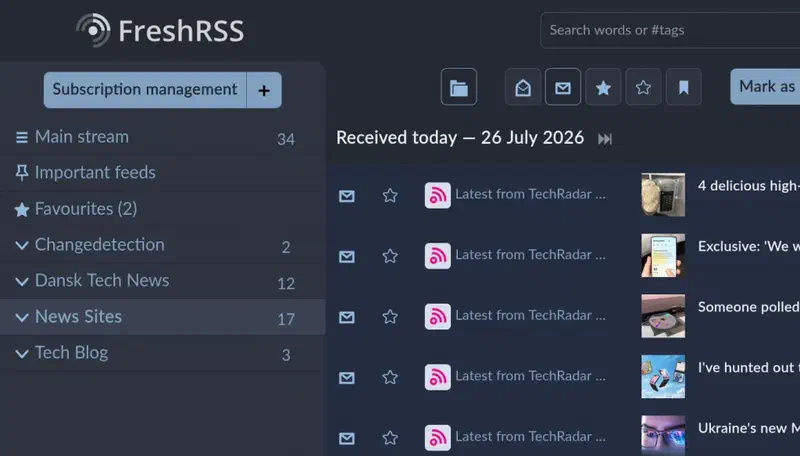
FreshRSS is properly the most used application I self-host by a mile and the one that has had the profoundest impact on my day to day life. FreshRSS creates a newsfeed without any algorithmic suggesting or inserted ads. All from sources I have selected.
The news I read is in both English and Danish and from small personal blog’s, tech news sites and blogs, YouTube, and some other miscellaneous sites that I find interesting. If a source for some reason decides to go rogue I just remove it from the list and I will never see it again.
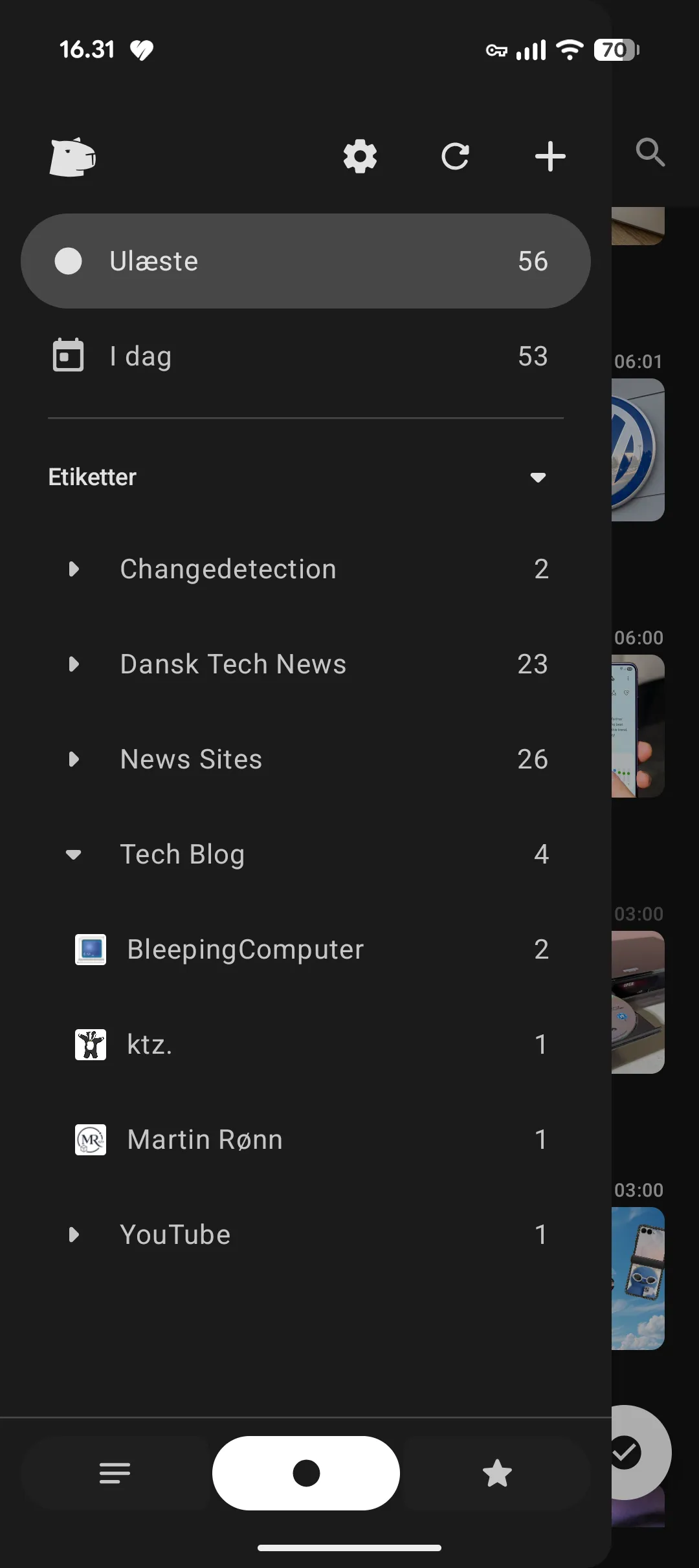
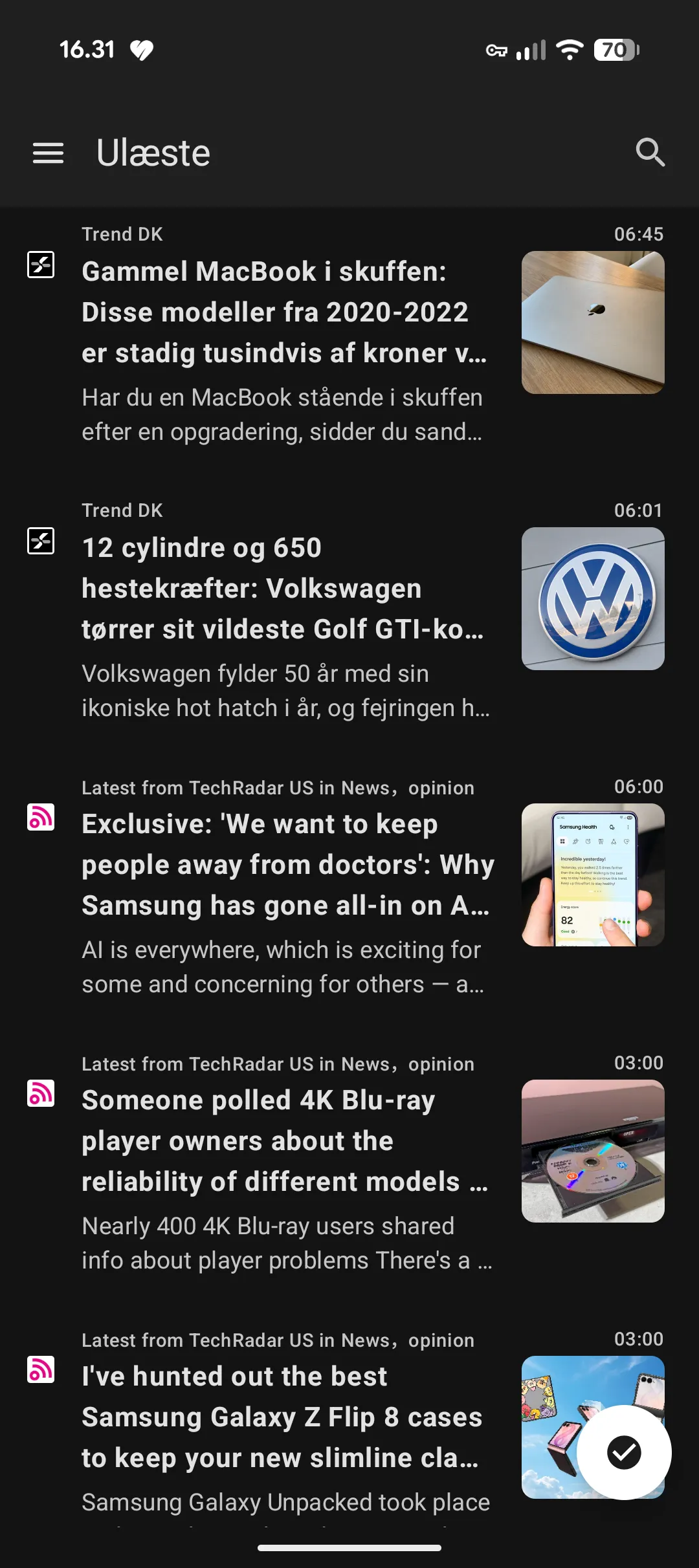
While FreshRSS do all the work and has a very nice interface for reading articles. I primarily read the news on my phone. Here I use the excellent open source RSS reader Capy Reader for Android.
Forgejo#
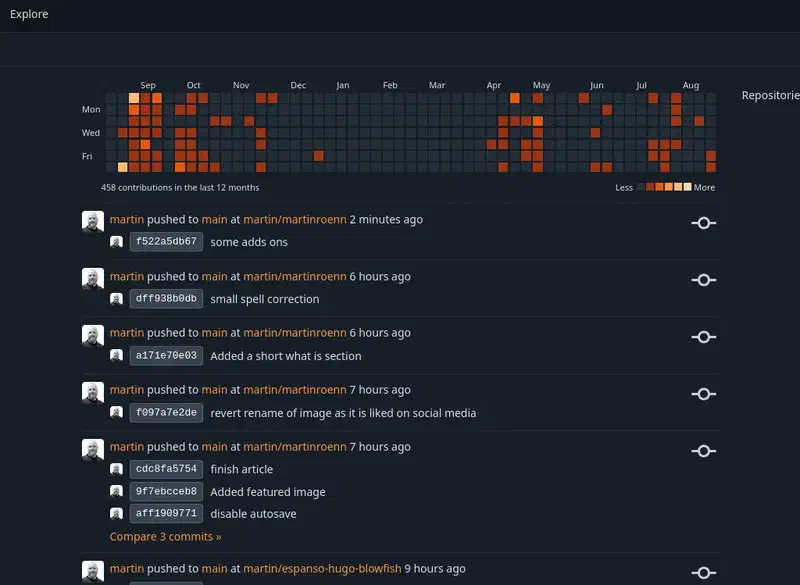
Forgejo is like your own self-hosted GitHub. There are a few project like Forgejo like Gitea and GitLab. GitLab is heavily enterprise focused and Forgejo is a fork of Gitea. Forgejo is just better in every way. Not to mention that is the bases of Codeberg.
If you have not heard of Codeberg. Codeberg is an alternative to GitHub. A lot of open source project are migrating to Codeberg from GitHub these days. All my code is on my own Forgejo instance. Some projects is mirrored to Codeberg and one project this website in fact to GitHub because of Netlify integration. I am working on removing this last project from GitHub.
Jellyfin#
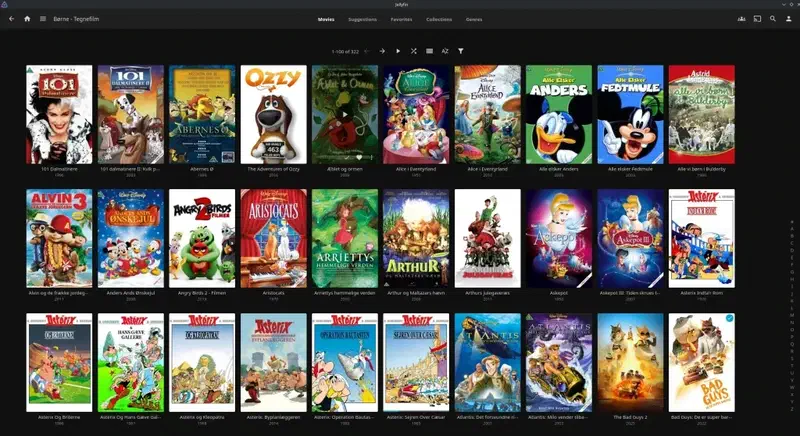
Jellyfin lets you stream your own media to your TV, PC, or mobile device. Much like Plex, if you are familiar with that. You get a Netflix like interface to stream you own media. Media from ripped DVD and Blue-ray or downloaded from the internet, No ads, no nonsense.
In 2022 I moved from Plex to Jellyfin and I’ve not looked back. You can read more on why I moved away from Plex here.
I Moved From Plex to Jellyfin
You decide what media to add and what to remove. You will never one day try to watch a TV show or movie that you have watch before and find it has been removed. Or be half way through a TV show only to discover it has been moved to another streaming provider. I can tell from experience that it’s no fun when your child that loves to watch a specific movie over and over again suddenly can’t.
Audiobookshelf#
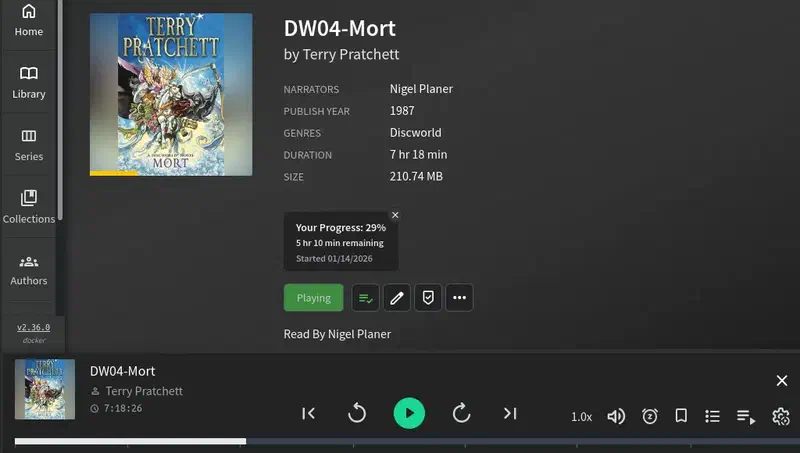
Audiobookshelf allows you to stream audiobooks you own. My kids and I like to listen to audiobooks and we often listen to the same again and again. So, I own quite a lot of audiobooks.
Audiobooks is a bit of and exception for me. Because, while I do run and use audiobookshelf I also have a subscription to Mofibo/Storytell. I just listen to so many books that I would be ruined if I had to by them all. So, I usually only buy the one’s that I really like and want to listen too again. Because, that’s the thing with services you rent. There is no guarantee that what you want, will be there the next time.
You can use audiobookshelf to listen via the browser. But I always listen to audiobooks on my phone. As with Jellyfin and Navidrome there a lot of mobile apps to choose from. However, the best in my opinion is.
- Android Audiobookshelf.
- iOS Shelfplayer.
- Android and iOS Absorb (I have only just started using this one. But it’s quite nice.)
Navidrome#
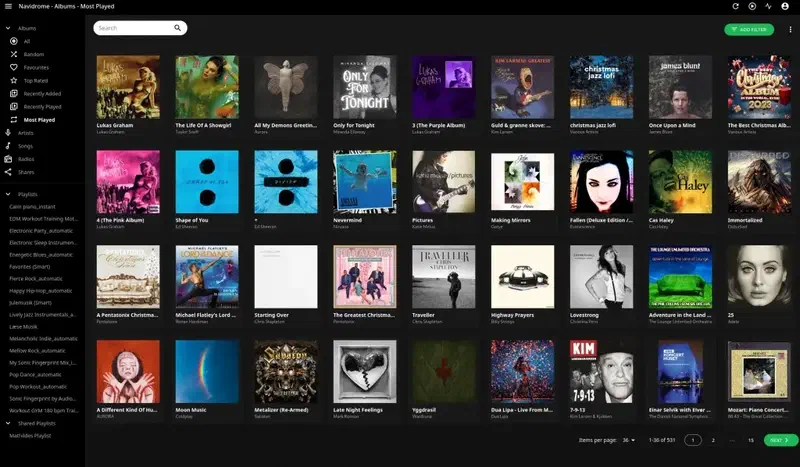
Navidrome allows you to stream music you own like your very own self-hosted Spotify.
Even though Jellyfin also supports music I much prefer Navidrome. Because, Navidrome only does music it is a much more focused application. Navidrome also support the Subsonic API’s and therefore there are a lot of good clients to choose from on both desktop and mobile. Even though Navidrome have an excellent player in the browser I usually use a client.
My preferred clients are.
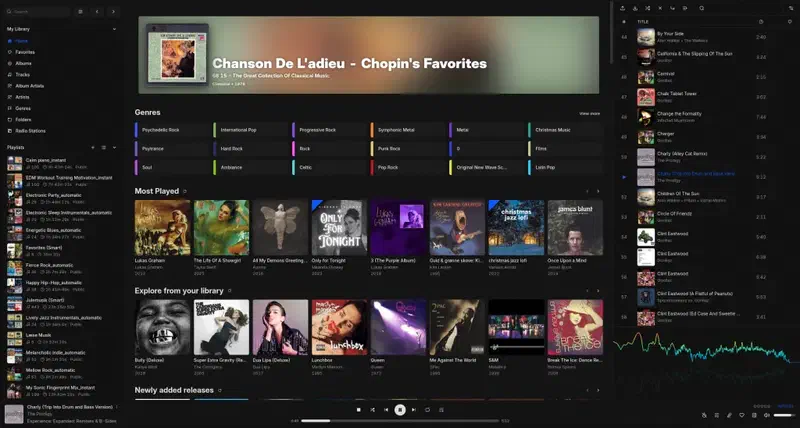
Feishin on the desktop. Is a beautiful and very well done program.
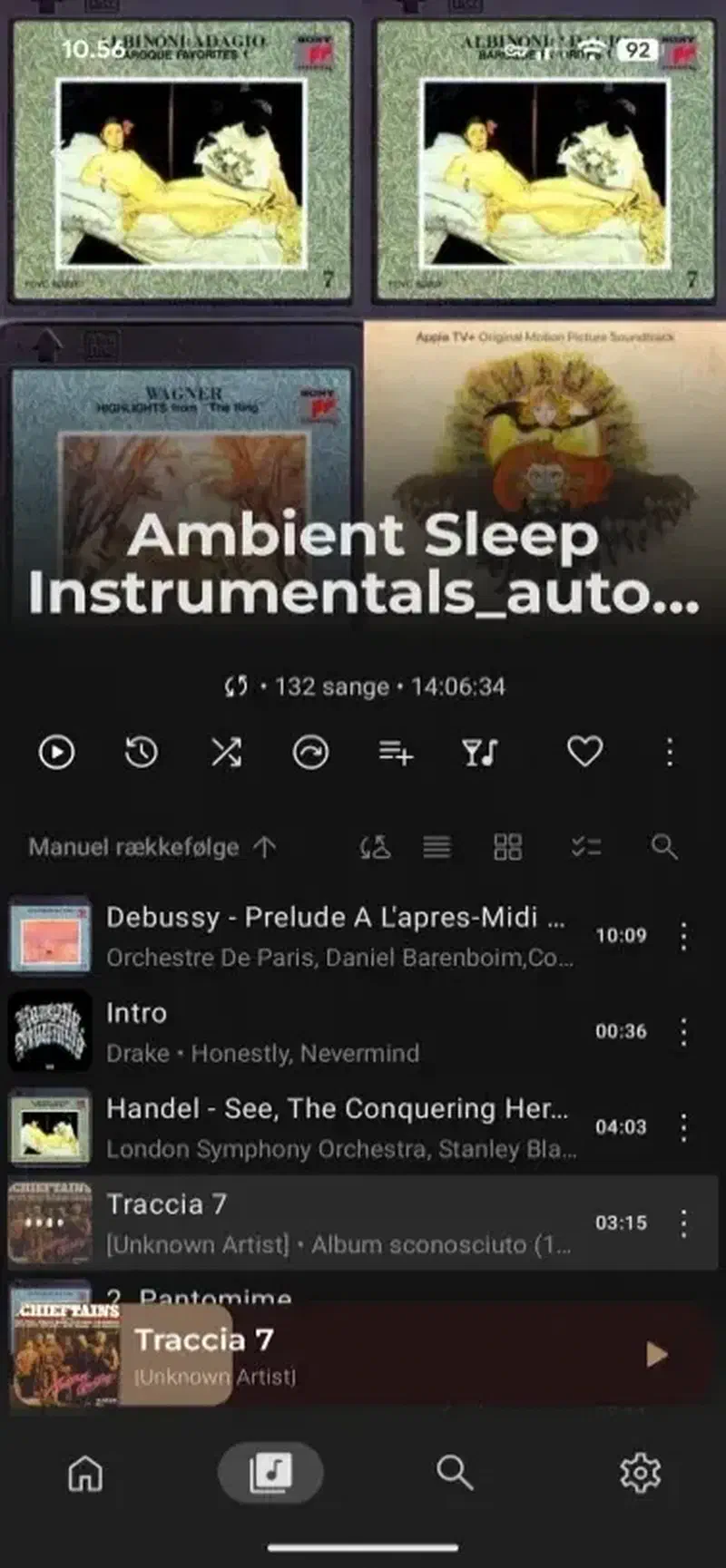
Symfonium on Android. A good-looking app with a ton of customization options.
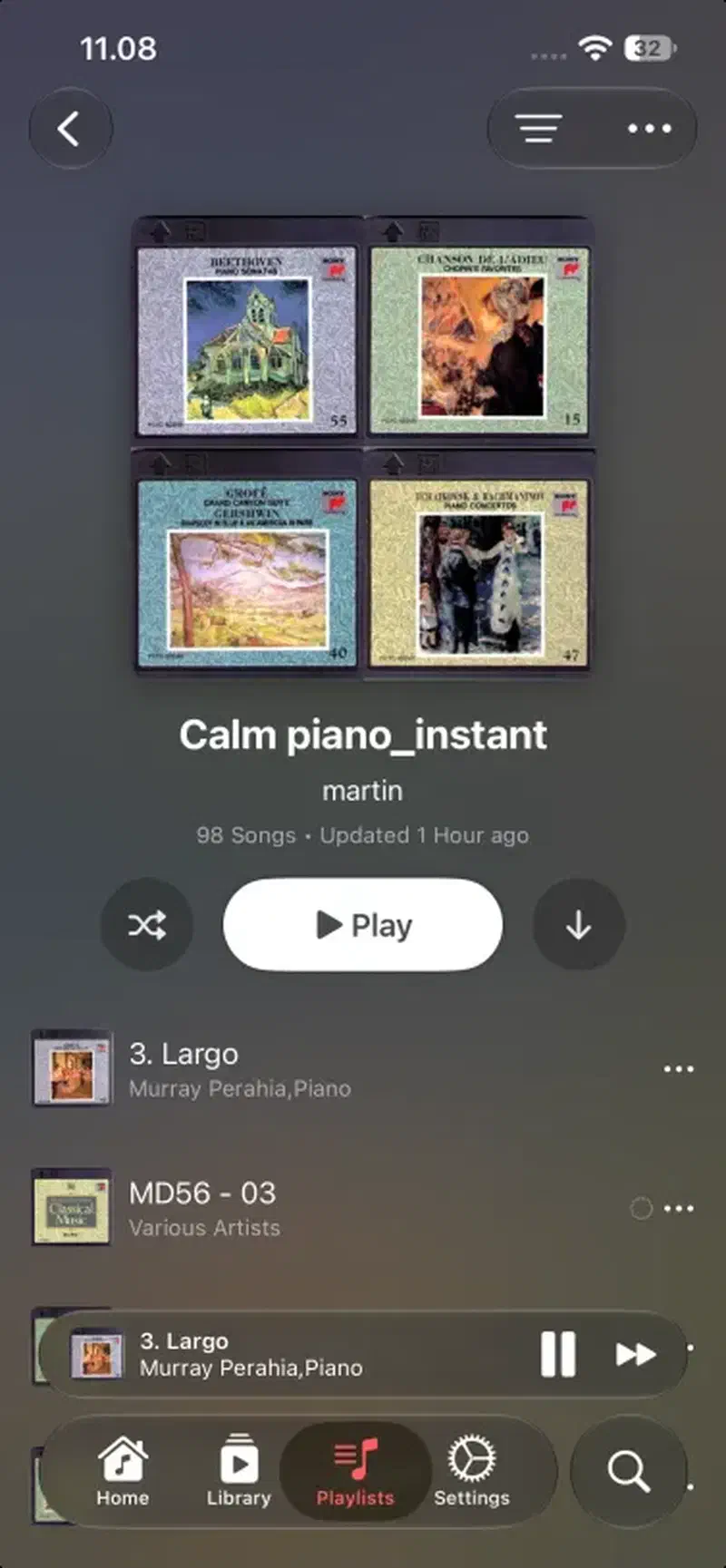
Arpeggi on iOS. An absolutely stunning app that looks a lot like Apple Music.
AudioMuse-AI (Bonus Pick)#
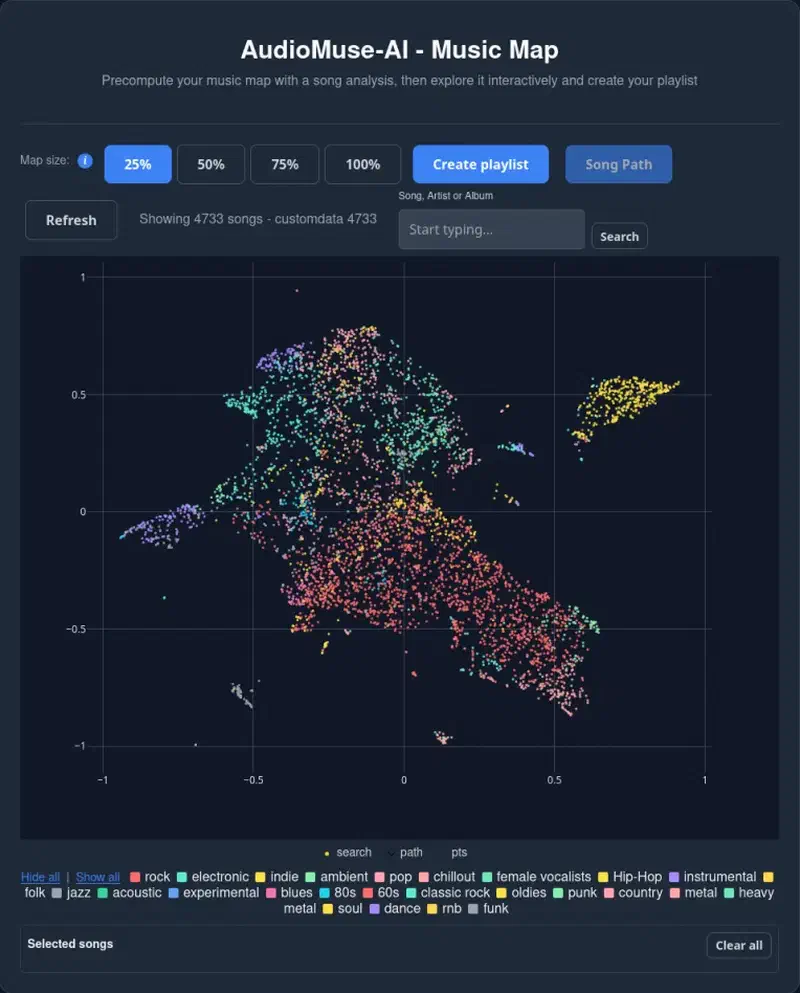
When we are on the topic of Navidrome and self-hosted music it’s difficult not to talk about AudioMuse-AI. What AudioMuse-AI provides is Spotify style AI driven and automatic playlist creation.
From my understanding AudioMuse-AI is more or less a vibe-coded application. So, if that’s not your thing. You have been warned. However, this is a gamechanger for self-hosted music and vibe-coded or not, this provides a functionality that was previously only available on large streaming services.
AudioMuse-AI does not rely on metadata. It analyses the waveform of every song to categorize it. This make it extremely accurate. However, the downside of that accuracy is that it takes quite a while to do the first initial scan. Besides AudioMuse-AI itself a plugin for Navidrome has to be installed in order for the two to talk together. All three clients mention above has support for AudioMuse-AI.